Every week someone in an agency owners' group asks the same thing: "How do I get Instagram API access so I can auto-post for clients?" The honest answer is that the API is very real, very official, and — for most agencies — not something you should build yourself. This post walks the full path so you can make that call with your eyes open: what you need, the App Review gauntlet, how publishing actually works, and the limits nobody mentions until they bite you.
If you're weighing the API against handing over passwords, read Instagram auto posting without password sharing first — this post is the technical follow-up to that one.
What do you need before you can auto-post?
Instagram's Content Publishing API is part of the Instagram Graph API, and Meta gates it behind a specific stack. You need all of these in place before a single post goes out:
- An Instagram professional account — Business or Creator. Personal accounts cannot publish through the API, full stop.
- A connected Facebook Page — the professional account must be linked to a Page, because Meta resolves permissions through it.
- A Meta app — created at developers.facebook.com, with the Instagram product added and your Privacy Policy and basic settings filled in.
- Approved permissions — at minimum
instagram_basic,instagram_content_publish, andpages_read_engagement, granted through Meta App Review. - A long-lived access token — obtained via OAuth for each account you publish on behalf of.
Notice the pattern: this is per-account plumbing. Onboard a new client and you repeat the OAuth and connection steps for their account — which is exactly why a good Instagram scheduler exists, so you don't hand-roll this for every brand.
How do you set up the Meta app and permissions?
Here's the sequence, in the order Meta actually enforces it:
- Create the app at developers.facebook.com and pick the "Business" type. Fill in Settings → Basic (app name, contact email, and a live Privacy Policy URL — your own site's privacy page is fine).
- Add the Instagram product from the app dashboard and connect it to the Facebook Page + professional account you'll publish to.
- Wire up the OAuth flow so you can capture a short-lived user access token when an account authorises your app.
- Exchange for a long-lived token. The short-lived token lasts about an hour; immediately swap it for a ~60-day long-lived token. There is no silent auto-refresh — you must call the refresh endpoint before it expires (and only after it's at least 24 hours old).
- Submit for App Review. Until you pass, your app can only publish to a handful of test accounts you control.
How long does App Review take?
This is the part that surprises first-timers. To publish on behalf of accounts you don't own, Meta requires formal App Review, and each permission is submitted separately with a screencast demonstrating exactly how your app uses it. Realistically, budget two to four weeks and at least one round of "please clarify" feedback. You cannot launch to clients the week you decide to. If a business asks you to start posting next Monday, the API is not your Monday answer.
How does publishing actually work?
Once you're approved, auto-posting a photo or Reel is a two-step Graph API call per post:
- Create a media container —
POST /{ig-user-id}/mediawith the public image or video URL and caption. Meta ingests the media and returns a container ID. - Publish the container —
POST /{ig-user-id}/media_publishwith that container ID. This is the call that puts the post live.
A carousel adds a step: you create a child container per slide, then a parent carousel container that references them, then publish the parent. Simple in principle — but it's real backend code you now own, monitor and update every time Meta changes the API.
What are the limits nobody warns you about?
According to Meta's official Content Publishing docs, here are the hard constraints that shape any real scheduling system:
| Limit | What it means |
|---|---|
| 100 posts / 24h | An account can publish max 100 API posts in a rolling 24-hour window. A carousel counts as one post. Check remaining quota via GET /{ig-id}/content_publishing_limit. |
| Containers expire in 24h | A media container is only valid for 24 hours. You cannot build containers days ahead — store the post data in your own database and create the container at publish time. |
| Token expiry ~60 days | Long-lived tokens last ~60 days with no auto-refresh. Miss the refresh and that account silently stops publishing. |
| Media hosting | Images and videos must be served from a publicly reachable URL Meta can fetch — so you need your own storage/CDN too. |
That container-expiry rule is the one that quietly kills naive "schedule it and forget it" builds. Real scheduling means running your own clock and firing the container-plus-publish sequence at the scheduled minute — not pre-baking posts for the month.
Should you build this yourself?
For an agency, almost never. Getting API access is the easy part; the ongoing tax is what hurts — per-client OAuth, token-refresh monitoring, container timing, retries when Meta hiccups, and re-approval whenever the API shifts. That's an engineering function, not a marketing one. Unless you're a software company, every hour spent on this is an hour not spent on client content.
The practical route is to use a tool that already holds approved API access and manages tokens for you — you connect a client's account once and schedule normally.
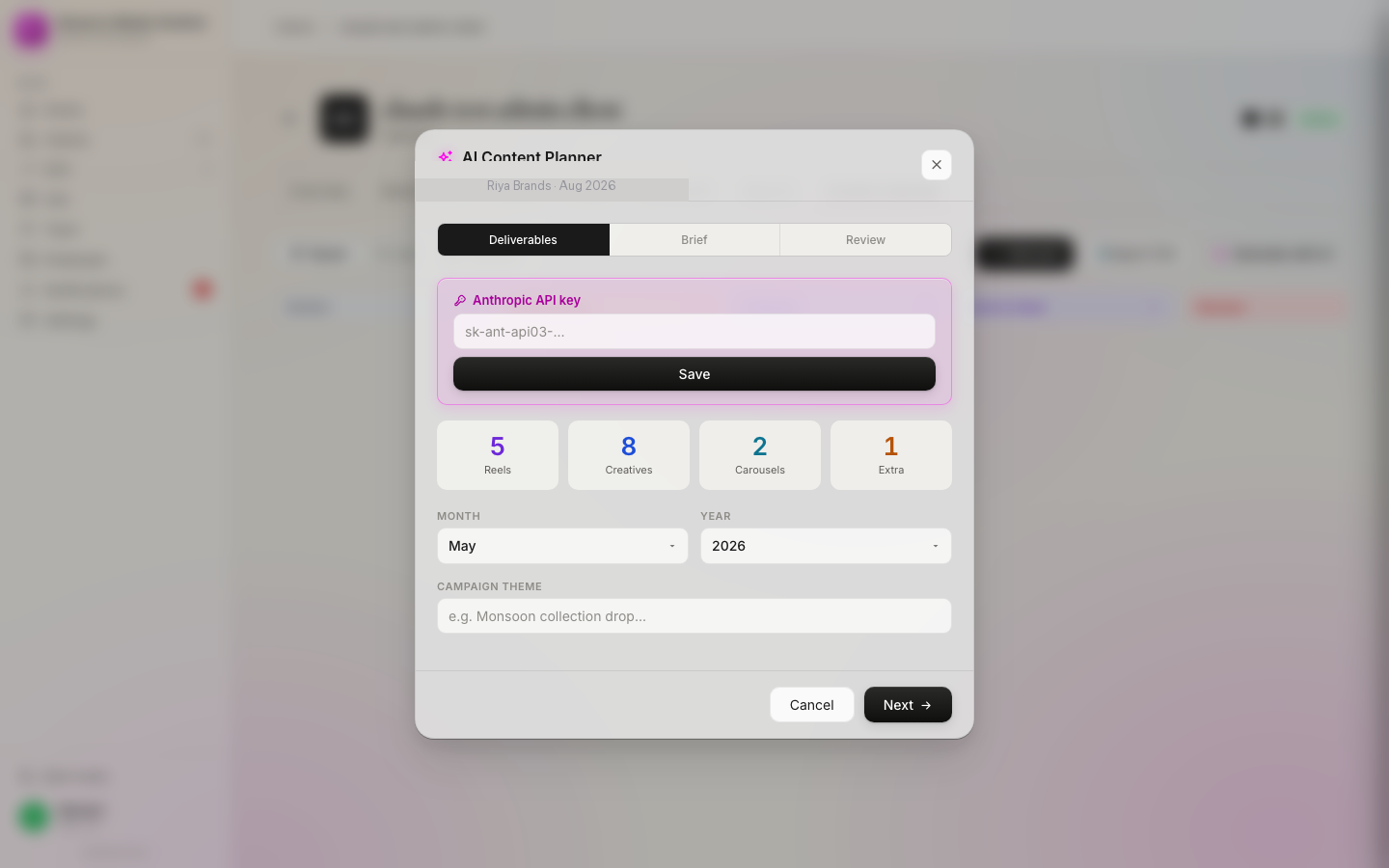
That's the entire reason our Instagram scheduler exists: the API plumbing is done, so a solo operator in Jaipur or a 10-person team in Mumbai gets the same official auto-publishing without a developer on payroll. If you're evaluating where publishing fits alongside approvals, reporting and billing, the agency management software overview lays out the full loop.
FAQ
Do I need a Business account to use the Instagram API for posting?
Yes. Auto-posting requires an Instagram professional account (Business or Creator) connected to a Facebook Page. A personal account cannot publish through the Content Publishing API. You then request the instagram_content_publish permission through Meta App Review.
How long does Instagram API app review take?
Plan for two to four weeks. Each permission is reviewed separately and needs a screencast showing real usage in context, so expect at least one round of clarifying feedback before Meta approves publishing for accounts you don't own.
How many posts can the Instagram API publish per day?
Accounts are limited to 100 API-published posts in a rolling 24-hour window, and a carousel counts as a single post. Query the content_publishing_limit endpoint before publishing to see how much quota remains.
Skip the API build — just schedule
Connect each client's Instagram once and auto-publish through Meta's official API on your calendar. No password sharing, no token code. Founding pricing from ₹999/month, with a 7-day money-back guarantee.