"Bulk scheduling" gets sold as a button. It isn't. The button takes about eleven minutes; the month takes a day. What makes the day work is doing the same task thirty times in a row instead of doing thirty posts one at a time — and knowing exactly which parts of a month you should not lock in advance.
We've run this cycle every month across 63+ brands. Here's the version that survived contact with real clients, real festival calendars and real API limits.
What actually happens when you bulk schedule a month?
Worth understanding before you trust a queue with thirty client posts, because it explains every failure mode later in this article: nothing is sent to Instagram when you schedule. Your tool stores the media and the caption on its own servers, then at the scheduled minute it creates a media container via Meta's Content Publishing API and publishes it.
That design is forced by Meta, not chosen by tools. Per Meta's Content Publishing documentation, a media container that "was not published within 24 hours" has expired — so no tool can pre-upload your 30th-of-the-month Reel on the 1st. Two other limits from the same docs bind every scheduler equally:
- 100 API-published posts per rolling 24 hours, per account. A 30-post month never touches this; a launch-day blitz plus a backlog catch-up can.
- Carousels are limited to 10 images, videos, or a mix of the two. Plan a 14-frame carousel in your batch and it will be rejected at publish time, not at scheduling time — the trap we unpacked in the carousel scheduling guide.
- Professional (Business or Creator) accounts only. A client still on a personal profile can't be bulk-scheduled at all. Catch it during onboarding, not on batch day.
The practical consequence: your queue is a promise your tool makes, and it can quietly break weeks after you built it. Which is why the last section of this article is a monitoring habit, not a scheduling tip.
The one-day batch: what order do you actually work in?
The mistake most teams make is batching by post — finish post 1 completely, then post 2. That's thirty context switches between strategy, design, copy and scheduling. Batch by task instead, and a month collapses into roughly seven hours:
| Block | Task | Why it belongs here |
|---|---|---|
| ~60 min | Map the month: festival and campaign dates first, then themes per week | Diwali, Navratri, Raksha Bandhan, regional new years and the client's own launch dates are immovable. Everything else fills gaps around them. |
| ~45 min | Decide the format mix and lock slots | Reels vs carousel vs static is a capacity decision, not a creative one. Decide it before anyone opens Canva or Premiere. |
| ~90 min | Write every caption in one sitting | Voice consistency is a by-product of writing 25 captions back to back. Written post-by-post over three weeks, the voice drifts. |
| Half a day | Production: shoot day, then edit day, then design day | One shoot covers a month of statics and Reels. Splitting it across weeks is where "batching" quietly stops saving time. |
| ~30 min | Send the whole month for approval as one batch | One sitting for the client, one reminder from you — instead of 25 WhatsApp pings. |
| ~20 min | Queue approved posts into the scheduler | The actual "bulk scheduling". It's the shortest step in the process, and it's the only one every tool markets. |
Run this on days 25–30 for the month ahead and the 1st onwards belongs to reactive work: comments, DMs, trends, and the client's inevitable "can we add something for tomorrow". If you're doing this across a dozen accounts at once, the multi-client version — fixed slots per client, staggered production — is in scheduling Instagram posts for multiple clients.
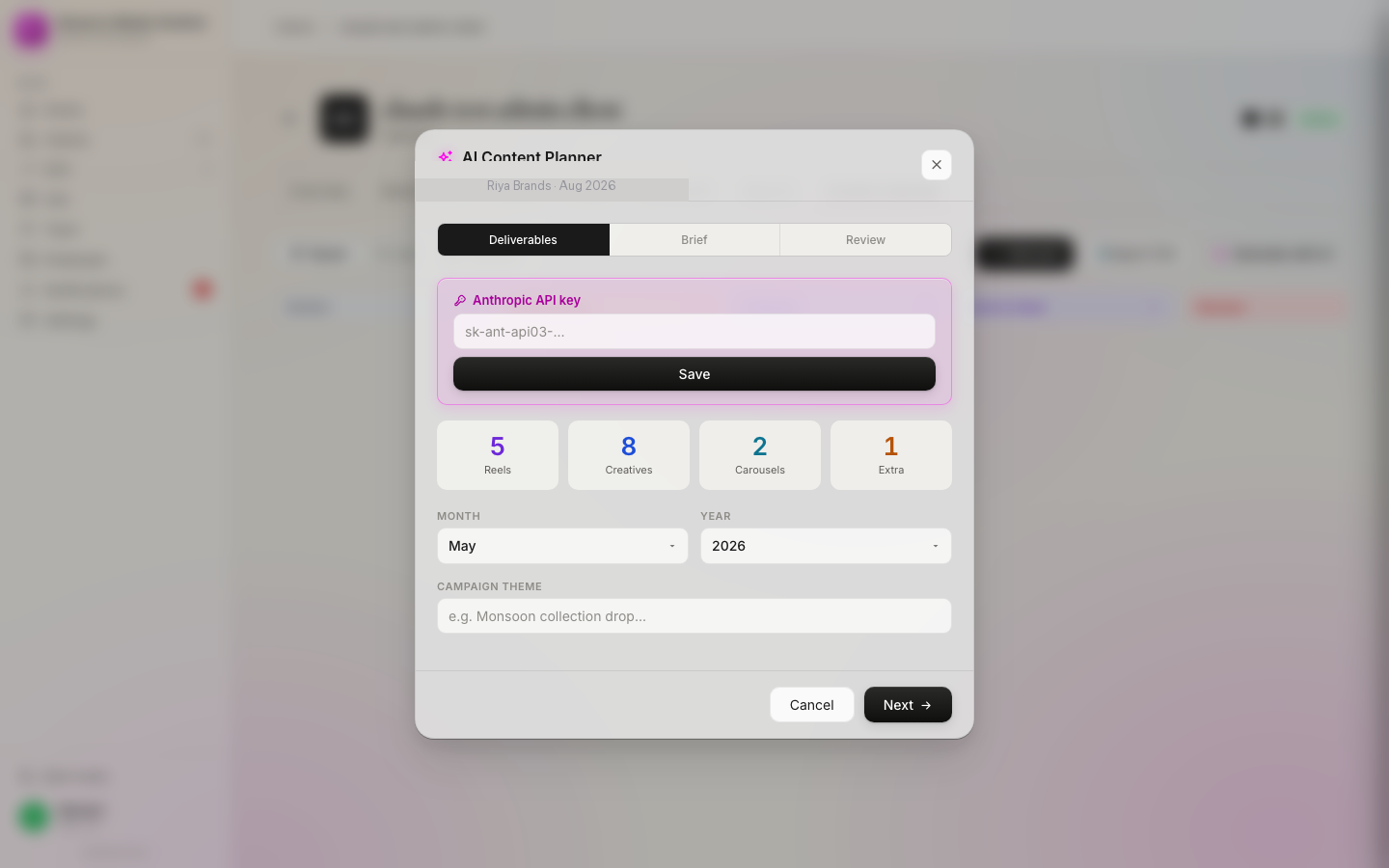
CSV bulk upload vs scheduling in the calendar
Two mechanics get called "bulk upload", and they suit different months.
CSV import means filling a spreadsheet with captions, media URLs and datetimes, then uploading it. Hopper HQ's bulk upload, for example, states you can "add up to 350 posts in one file". If your content is single-image posts with short captions and the creatives already live in a folder, CSV is unbeatable — a quarter of content goes in during one coffee.
Where CSV falls apart, in our experience: carousels (slide order in a spreadsheet is misery), Reels covers and audio choices, first comments, anything needing a per-post crop check, and — the big one for agencies — anything that has to pass a client approval step. A spreadsheet has no concept of "pending approval", so a CSV month tends to get scheduled first and approved never.
Calendar scheduling is slower per post and better for everything else: you see the grid, you spot three carousels in a row, you catch the two Tuesdays with nothing on them. For a client on 20–30 mixed-format posts a month, the calendar wins on every dimension except raw speed.
Our rule: CSV for high-volume, low-variance content (product catalogues, quote series, listing posts for a real-estate client), calendar for anything with a brand voice and a reviewer.
Why you should leave a quarter of the month empty
The failure mode of a perfectly bulk-scheduled month isn't a broken post — it's a feed that reads like it was written in advance, because it was. A cricket result, a viral audio, a local news moment, the client's own store event: none of it exists in your calendar on the 26th.
So we schedule roughly 70–75% of the slots and mark the rest as open. They get filled in the first two weeks with reactive content, or they get filled with the two posts the client asks for mid-month — which they always do. If you fill 100% of the calendar, every client request becomes a reschedule; if you fill 70%, it becomes a slot.
The same slack is what makes late approvals survivable: an unapproved post holds and slides into the next open slot instead of forcing a decision at 6:55pm. We wrote the policy version of that — the T-24h cutoff and the hold rule — in the scheduling mistakes post.
The pre-flight check before you queue 30 posts
Bulk scheduling multiplies mistakes as efficiently as it multiplies output. One wrong assumption applied thirty times is a bad month, and you won't notice until posts start going live. Ten minutes of checks, in this order:
- Right account, every row. The only genuinely unrecoverable error — client A's offer on client B's feed. In a CSV, one mis-sorted column does it thirty times.
- Approval status is "approved", not "they saw it". Every post in the batch, without exception.
- Dates against the real calendar. Festival dates shift year to year, and a "Diwali offer" post that fires two days late is a screenshot in the client's group chat.
- Carousels ≤ 10 frames, and every slide the same aspect ratio. API-published carousels crop all slides to the first frame.
- The account connection is fresh. Long-lived Instagram tokens expire in about 60 days, and a client changing their Facebook password kills access with no warning email. Reconnect before the batch, not after the first failure.
- Failure alerts are on. A queue you don't monitor is a queue that fails silently on day 12 and is discovered on day 30.
That last one is the difference between scheduling and shipping. A month scheduled in one day only saves you time if you find out within minutes — not at the monthly report — that post 14 didn't go out. This is exactly why we built our Instagram scheduler inside the same workspace as the calendar and the client's approval tap: the batch, the gate and the publish log are one object, so nothing falls between three tools. It's also the workflow the agencies we work with in Jaipur and other tier-2 markets standardise before they add their next five clients.
Frequently asked questions
Can you bulk schedule Instagram posts a month in advance?
Yes. Third-party schedulers let you queue a month of posts in one sitting and publish each one automatically through Meta's API. Nothing is uploaded to Instagram at scheduling time — the tool holds your media and creates the post at the scheduled minute, so your queue length is limited by the tool, not by Instagram.
How many Instagram posts can you schedule at once?
Queue size depends on your tool, but publishing is capped: Meta limits each account to 100 API-published posts within a rolling 24-hour period. A normal month of 20 to 30 posts is nowhere near that ceiling — you only hit it when a backlog catch-up and a campaign blitz land on the same day.
Is bulk scheduling bad for Instagram reach?
No. Posts published through Meta's official Content Publishing API are ordinary posts, and Meta does not penalise them for being scheduled. What does hurt reach is treating the batch as final: a month with zero reactive content reads as stale to both the audience and the algorithm.
Batch the month. Ship it without babysitting.
Plan, approve and auto-publish a full month per client from one calendar — with approval gates and publish-failure alerts built in. Founding pricing from ₹999/month, with a 7-day money-back guarantee.