Every agency I know started its content calendar in a spreadsheet, mine included. That was the right call. Nobody should pay for software before they have a workflow to put in it, and a sheet with columns for date, format, caption, creative link and status is how most of us learned what our workflow even was.
The trouble is that a spreadsheet doesn't break loudly. It breaks one small miss at a time: a post goes out with last week's caption, a client says "I never approved that", a designer spends an afternoon on a reel the client had already dropped. Nobody sits down and decides the sheet has stopped working. You just notice you're the only person who trusts it.
What does Google Sheets genuinely do well?
Credit where it's due, because the "spreadsheets are dead" posts overstate it:
- It costs nothing and asks nothing. Clients open a link and they're in. No accounts to create, no training.
- It bends to any format. Add a column for festival hooks, another for Hindi captions, colour the reels pink. No tool is more flexible.
- Dropdowns and filters are enough for status. A data-validation dropdown (Draft, In design, Sent, Approved, Posted) plus a filter view per team member covers a surprising amount of project management.
- Size is not the problem. Google allows up to 10 million cells in a spreadsheet. No agency calendar gets near that. When Sheets fails, it's the workflow that fails, not the file.
If you're a freelancer with two or three brands and you do all the writing, designing and posting yourself, stay in the sheet. Everything below is a problem of many hands, and you don't have that problem yet.
Where does a spreadsheet content calendar break?
Here's the order the cracks tend to show up once a team and several clients are working in the same file.
1. The creative lives somewhere else
A cell holds a Drive link, not the post. The client reviews the caption in the sheet and the design in a separate tab, often on a phone, and approves the combination in their head. When the caption changes after the design is exported, the two quietly drift apart. Most "wrong caption went live" mistakes I've seen started exactly here.
2. Versions collide
Sheets has solid version history, and you can name versions. But it records the whole file, not one post. When a client asks "what did I approve for the 12th?", you're scrolling through a day of autosaves from four people to rebuild a single row. Meanwhile the Drive folder fills with final_v3_FINAL.mp4, and the sheet links to whichever one someone pasted last.
3. An approval is just a cell anyone can edit
"Approved" is text in a cell. Anyone with edit access can type it, clear it, or drag it down twenty rows by accident. Nothing stops a post marked approved from being edited afterwards, and nothing records that the client, rather than your account manager, did the approving. If you've ever handled a revision dispute, you know that record is the whole argument.
4. Client access is all or nothing
The tempting setup is one master sheet with a tab per client. Don't share it. Google's own help page on protecting ranges says protection "shouldn't be used as a security measure", and notes that viewers can still get at hidden sheets, for example by making a copy. So each client needs their own file, and your team ends up maintaining ten files that must stay in sync with an internal master. That sync is someone's unpaid Monday morning.
5. Assigning work depends on the account type
Sheets can turn a comment into an action item that emails the assignee, which is genuinely useful. Google's help notes that assigning action items needs a work or school account, though, and the assignee needs access to the file. On free Gmail accounts, which is how a lot of small Indian agencies and their freelancers run, "assignment" falls back to @-mentions and WhatsApp.
6. The sheet has no idea what actually went live
A spreadsheet can't publish. Someone posts from a phone and is supposed to flip the status to Posted. Within a couple of weeks, the calendar and the client's actual feed disagree, and month-end reporting starts with a reconciliation exercise before any analysis happens.
Google Sheets vs content calendar software, side by side
| Job | Google Sheets | Content calendar software |
|---|---|---|
| Cost | Free | Monthly subscription |
| Flexibility of format | Unlimited | Fixed fields, some custom |
| Creative and caption together | Link in a cell | Preview attached to the post |
| Version of a single post | Whole-file history | Per-post revisions |
| Client approval | Editable text or colour | Logged action by the client |
| Client sees only their brand | Separate file per client | Per-client access built in |
| Publishing | None, manual | Scheduled or auto-publish (varies by tool) |
| Monthly report | Numbers copied in by hand | Performance pulled per post (varies by tool) |
The honest reading: Sheets wins the first two rows outright, and they're the rows that matter most when you're small. Software wins every row that involves more than one person, and those are the rows that start to matter as you grow.
When should an agency stay on Google Sheets?
Stay if all of these are true:
- One person writes, designs and posts, or two people sitting next to each other.
- Clients approve on a call or in one batch message, not post by post.
- You haven't had an "I never approved that" conversation in the last three months.
- Reporting is light: a screenshot of insights is enough for your clients.
Move when you see the symptoms, not at a magic client count. In my experience they tend to show up somewhere between five and ten active clients, or when you hire your first designer or editor who isn't you.
How do you move off a spreadsheet without losing a month?
- Switch at a month boundary. Finish the current month in the sheet. Plan next month in the new tool. Never run one client's month across both.
- Clean the sheet into one tidy table first. One row per post, with consistent columns for date, platform, format, caption and creative link. Most tools, ours included, can import a CSV, and a clean export saves a day of retyping.
- Move approvals first, publishing second. Approvals are where the pain lives. Get clients approving in the tool for a month before you connect accounts for publishing. Our approval workflow template lays out the stages.
- Keep the sheet for what it's good at. Brainstorms, festival lists, keyword banks. The spreadsheet can stay a thinking tool. It just stops being the record.
- Batch the new month in one sitting. The month-in-a-day batching routine is where the new tool earns back the time you spent switching.
If you've already tried the middle path of a heavier general-purpose tool, the Notion comparison covers why that often recreates the same problems with more setup.
What we built instead
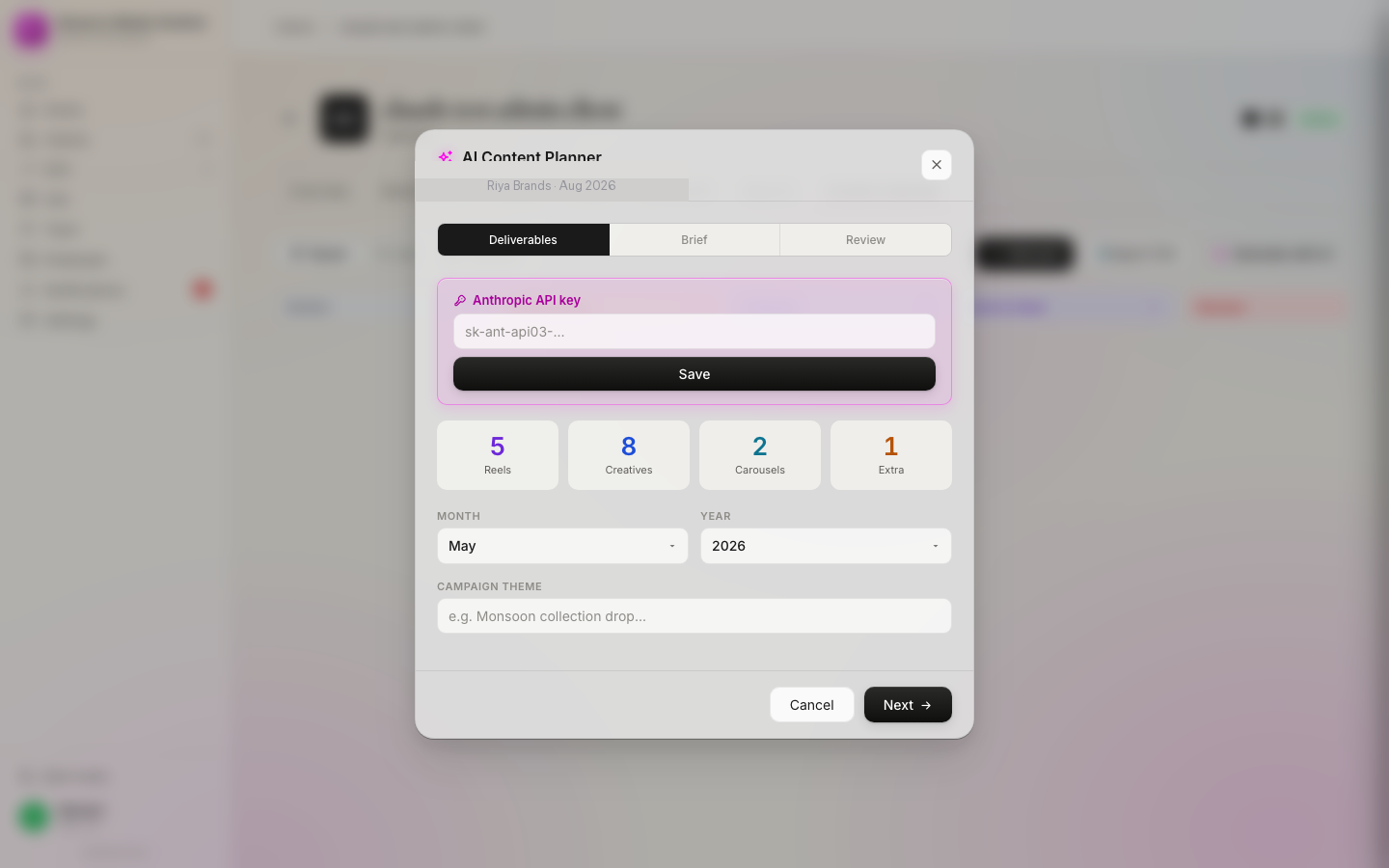
I built My Digital Sevak because our own sheets hit every crack on this list. Each post carries its creative, caption and status together. Clients approve with one tap on their phone and that approval is logged. Approved Instagram and Facebook posts auto-publish through the Instagram scheduler, and the calendar imports from a CSV so your sheet becomes next month's plan. It's priced flat in rupees for the whole team, which matters more to an agency in Pune or Lucknow than yet another per-seat dollar bill.
FAQ
Is Google Sheets good enough for a social media content calendar?
For one brand or a solo freelancer with two or three clients, yes. Sheets is free, flexible and every client can open it. It stops being enough once several people touch the same posts, clients approve on the sheet, and you need a reliable record of which version went live.
Can I give each client access to only their rows in one Google Sheet?
Not safely. Google's own help says protected ranges should not be used as a security measure, and viewers can still reach hidden sheets, for example by making a copy. If clients must see the calendar, give each client a separate file, which multiplies the upkeep for your team.
When should an agency move from a spreadsheet to content calendar software?
Move when you see the symptoms, not at a client count: a post went live before the client approved it, a designer worked from an old caption, or month-end reporting means copying numbers into the sheet by hand. For most agencies this starts somewhere between five and ten active clients.
Sources
- Google Drive Help: Files you can store in Google Drive — Google Sheets limit of up to 10 million cells.
- Google Docs Editors Help: Protect, hide and edit sheets — protection is not a security measure; viewers can reach hidden sheets.
- Google Docs Editors Help: Use comments, action items and emoji reactions — assigning action items requires a work or school account; assignees get an email.
Keep the sheet for ideas. Run the calendar here.
Posts with their creatives attached, one-tap client approvals, auto-publishing to Instagram and Facebook, and monthly reports. From ₹999/month for your whole team, with a 7-day money-back guarantee.