For years we didn't track time at all. Every client was on a monthly retainer, so the fee was fixed and the hours felt irrelevant. Then we finally looked at two clients on the same ₹25,000 package. One took roughly a day a week of team time. The other took close to three, because every post went through four rounds of changes on WhatsApp. Same invoice, completely different business.
That's the real reason a social media agency tracks hours. It's less about billing by the hour and more about knowing what each retainer actually costs you. The billing part, for genuinely extra work, comes as a bonus.
What counts as billable in a social media agency?
Billable means work done for a specific client that the client is paying for, under the retainer or as extra. Everything that runs the agency itself is non-billable. Everhour's guide for social media managers draws the line the same way: strategy, content creation, scheduling, community management and reporting are billable. Sales calls, internal admin and training are not, unless the contract says otherwise. Here's the category list we'd start with:
| Category | Billable? | Notes |
|---|---|---|
| Strategy and calendar planning | Billable | Monthly calendar, content pillars, festival planning |
| Design (statics, carousels) | Billable | Includes revisions within the agreed rounds |
| Video editing (reels) | Billable | Often the biggest bucket, so track it separately |
| Shoots | Billable | Travel time too, if your agreement charges for it |
| Copy and captions | Billable | |
| Scheduling and community management | Billable | Replies, DMs, comment moderation |
| Ads management | Billable | Setup, monitoring, optimisation |
| Reporting and client calls | Billable | Monthly report, review calls about that account |
| Pitches, proposals, audits for prospects | Non-billable | Sales cost; track it to know what a new client costs to win |
| Internal meetings, training, admin | Non-billable | Including your own agency's social media |
Two grey areas cause most arguments. Revisions: rounds within your agreed limit are billable time against that client but covered by the retainer. Rounds beyond the limit are extra work, if your retainer agreement says so. Redo caused by your own mistake (a wrong logo, a typo) is time spent on the client, but you shouldn't charge for it. Log it as non-billable so it still shows up when you check what that client costs.
Why track hours if every client is on a fixed retainer?
Because it turns "this client feels heavy" into a number. Divide the monthly retainer by the hours logged on that client and you get the effective hourly rate. Compare it with what an hour of your team actually costs (salaries plus overheads, divided by working hours) and you can see which clients make money and which ones you're subsidising. Our guide to social media agency profit margins walks through that maths.
It also changes the renewal conversation. "We'd like to increase the fee" is a negotiation. "Your account took 61 hours last month against the 35 we scoped, and here's where they went" is a fact the client can check.
How to set up time tracking without your team hating it
- Fix the categories first. Eight to ten, like the table above. Twenty categories means people pick at random.
- Track on the task. The reel, the carousel, the shoot. If time lives in a separate sheet, it gets filled in on Friday from memory, and memory always rounds down.
- Use a timer for long work, manual entry for short work. Nobody should start a timer for a two-minute caption fix. End-of-day entry is fine for that.
- Log daily, approve weekly. A manager reviews each person's week on Monday. They look for missing days and odd entries, not for minutes.
- Set rates once. A default hourly rate, plus overrides per person or per client where needed.
- Review monthly, per client. Hours against retainer, billable against non-billable, and the out-of-scope hours you can actually invoice.
And say out loud why you're doing it. If the team thinks timesheets exist to catch slow people, the numbers will be fiction within a month. In our office the line is: "This is so we can price clients properly and push back when they want more."
What billable utilisation should you aim for?
Utilisation is billable hours divided by total hours worked. The time-tracking vendors give similar targets. Clockify says most marketing agencies aim for 70–80%. Harvest suggests around 70–75% for individuals and about 60% for the agency as a whole. Both also warn that pushing it too high burns people out.
In a small Indian agency it splits by role. Designers and video editors can sit near the top of that range, because nearly all their work is client work. Account managers and founders sit much lower, since they carry sales, hiring and admin. If a maker is consistently above 85%, don't celebrate. They have no slack for the festival rush, and they're the next resignation.
How do you turn hours into a GST invoice?
Only bill hours as hours when the work is outside the retainer: an extra shoot, a landing page, a campaign the client asked for mid-month. Put it on the invoice as its own line, with the hours and rate visible:
| Description | Qty | Rate | Amount |
|---|---|---|---|
| Social media retainer, November | 1 | ₹25,000 | ₹25,000 |
| Additional work: Diwali campaign reels (editing), as per approved timesheet | 9 hrs | ₹800 | ₹7,200 |
| GST 18% (CGST 9% + SGST 9% within the state, or IGST 18% across states) | ₹5,796 | ||
Those figures are illustrative. Attach or link the timesheet extract for those nine hours so the client's accounts team doesn't come back with questions. For the rest of the invoice format, see our guide to the GST invoice for digital marketing services.
How we do it in My Digital Sevak
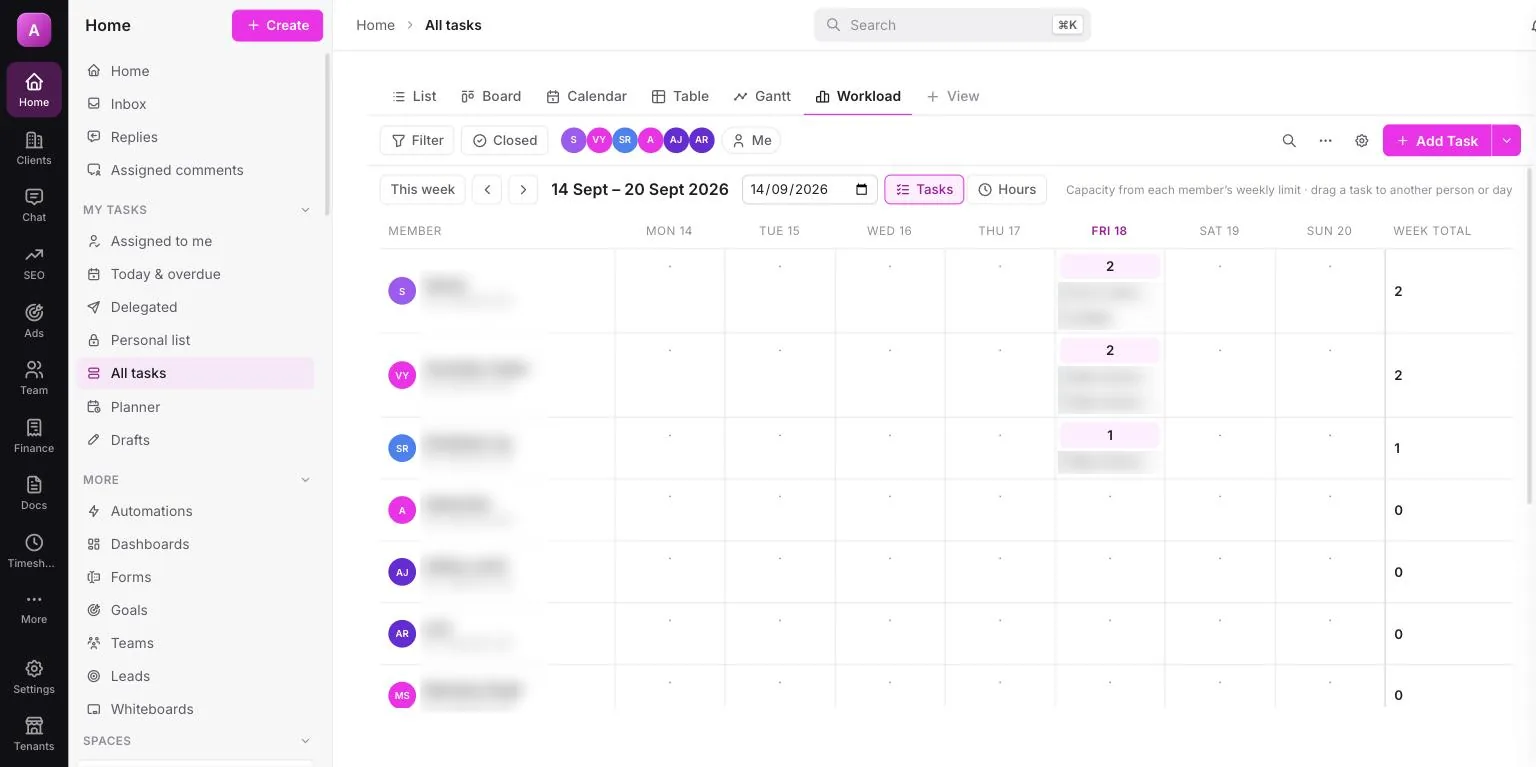
Timesheets in My Digital Sevak sit on the same tasks your team already works in: posts, edits, shoots and to-dos. Each person can run a timer or fill a weekly grid, and each entry is marked billable or non-billable. Managers approve the week. They see hours, but not rupee amounts; only the admin and the accounts head see rates and billing values. Rates can be set as an agency default, per person, per client, or for one person on one client.
At billing time, "Add billable time" on a client's invoice pulls in their uninvoiced billable hours for the period. You can limit it to approved time. The hours become ordinary lines on the GST invoice, those entries are marked invoiced, and they're released again if the invoice is cancelled, so nothing is billed twice. The time report groups hours by person, client, task or day and exports to CSV. Whether you run a five-person team in Bengaluru or a bigger one, start with the monthly per-client review. That's where the money shows up.
Frequently asked questions
Should a social media agency track hours if clients pay a fixed retainer?
Yes. The retainer tells you what a client pays, not what they cost. Tracking hours shows which retainers are profitable, gives you evidence when the scope quietly grows, and lets you bill genuinely extra work, such as an unplanned shoot or a website job, by the hour instead of absorbing it.
Is client revision time billable?
Revisions within the rounds your contract includes are part of the retainer, so log them as billable time against that client but don't invoice them separately. Rounds beyond the agreed number, or changes to an already approved post, are extra work you can bill if the agreement says so.
What is a good billable utilisation rate for an agency?
Time-tracking vendors usually quote 70 to 80 percent for individual makers and around 60 percent for the agency as a whole, since founders and account managers carry sales and admin. Treat that as a direction, not a target to squeeze; staying above 85 percent for long tends to burn people out.
Know what every retainer really costs
Timers, weekly timesheets with approval, and billable hours straight onto the client's GST invoice, in the same workspace as your tasks. From ₹999/month. Try it free for 3 days, no card needed, with a 7-day money-back guarantee.