Sooner or later, every client asks the same thing: "Can we do WhatsApp marketing without paying for the API?" Usually they've seen a competitor's Channel, or someone at a family function showed them the BCCI's. Most of the time, the honest answer is "yes, but it does a different job".
WhatsApp Channels launched in India in September 2023. The BCCI, Katrina Kaif, Diljit Dosanjh and Akshay Kumar were among the first to start one. WhatsApp had roughly 536 million monthly active users in India in 2024, so the audience is there. Whether a client's Channel actually reaches that audience comes down to how the agency runs it. Here's how we scope it.
What is a WhatsApp Channel, and how is it different from a broadcast list or the API?
A Channel lives in the Updates tab, next to Status and away from personal chats. People follow it, or find it in the Channels directory, and see what the brand posts. They can react with an emoji or vote in a poll. They cannot reply, and they cannot see who else follows. According to WhatsApp's Channels page, a follower's phone number is hidden from admins unless the admin already has them saved as a contact.
Clients mix Channels up with two older tools. Here's how the three compare:
| WhatsApp Channel | Broadcast list (Business app) | WhatsApp Business API | |
|---|---|---|---|
| Cost to send | Free | Free | Meta charges per template message |
| Who receives it | Anyone who follows | Only contacts who have saved the brand's number | Opted-in customers on the brand's list |
| Where it lands | Updates tab, notifications muted by default | The customer's chat list | The customer's chat list |
| Can customers reply? | No (reactions and polls only) | Yes, as a private 1:1 chat | Yes, into a shared team inbox |
| Personalisation | None; everyone sees the same post | Basic | Name, order and cart variables in templates |
| Discoverable by strangers | Yes, through the directory, links and QR codes | No | No |
| Best for | Announcements, drops, content | Small loyal customer bases | Sales, support, order alerts, retargeting |
The table makes one thing clear. A Channel sits closer to an Instagram feed that happens to live inside WhatsApp than to WhatsApp marketing in the sense most clients mean. If the client actually wants abandoned-cart messages or a sales inbox, read our WhatsApp Business API guide for agencies instead.
What can WhatsApp Channels do for a brand?
- Reach people without paying per message. Posting is free and there's no follower limit, so a Channel suits frequent updates that would cost too much as API templates.
- Carry every format you already make. Text, images, short videos, voice notes, polls, links and custom stickers. A reel you made for Instagram can be reposted here with a shorter caption.
- Get found by new people. The Channels directory is searchable, and admins can share the Channel link or a QR code on their Status and in chats. Forwarded updates link back to the Channel, so a good offer can travel on its own.
- Run quick polls. "Which flavour next?" or "Saturday or Sunday workshop?" A poll is the only two-way signal a Channel gives you, so use it often.
- Keep the brand's number private. Admin phone numbers aren't shown to followers, so a founder or store manager can post without their personal number spreading around.
What can't Channels do?
This is the part clients skip over, and it's why we write it into the proposal:
- No conversations. A follower who wants to ask the price can't reply. Every update that sells something needs a click-to-chat link to the brand's WhatsApp Business number or website.
- No algorithm working for you. Channels aren't pushed prominently, and notifications are muted by default. Growth comes from wherever the brand already has attention: the shop counter, Instagram bio, packaging, invoices and existing customers.
- Updates don't stay up forever. Channel updates are kept for about 30 days, so a Channel can't be a permanent catalogue. Put lasting things like menus and price lists on the website and link to them.
- No targeting or personalisation. Every follower sees the same post, so a Delhi-only offer goes to the Pune follower too.
- Thin analytics. Admins get reach, net follower growth, top regions and follows versus unfollows, and these insights are reported to need at least 100 followers. Click tracking means UTM links on everything you post.
- No native scheduling. Someone has to press post at 7:30 pm. That someone should be on the client's approved calendar, not improvising in the moment.
Which brands should start a WhatsApp Channel?
The test we use is simple: does this brand have something genuinely new to say at least three times a week? If yes, a Channel earns its place. If not, it turns into a ghost town that makes the brand look inactive.
Good fits: restaurants and cloud kitchens (daily specials, festive menus), D2C brands with frequent drops or restocks, coaching institutes and ed-tech (results, batch openings, exam updates), real-estate developers mid-launch, gyms and studios (class changes, challenges), local retailers with weekly offers, and creators or founder-led brands with a personal voice.
Weak fits: B2B firms with one update a month, and heavily regulated categories where every message needs legal review, such as finance or healthcare claims. The approval overhead outweighs the reach. For these clients, LinkedIn and a proper email list do more.
How should an agency run a client's Channel?
1. Set it up on the client's side, not yours
Create the Channel from the client's own WhatsApp Business number, then have the client add your account manager as an admin. Never start it on a staffer's personal number. When that person leaves, or the client leaves you, the brand's audience goes with them. It's the same ownership rule we apply to every account in our client offboarding checklist.
2. Plan it in the same calendar as Instagram
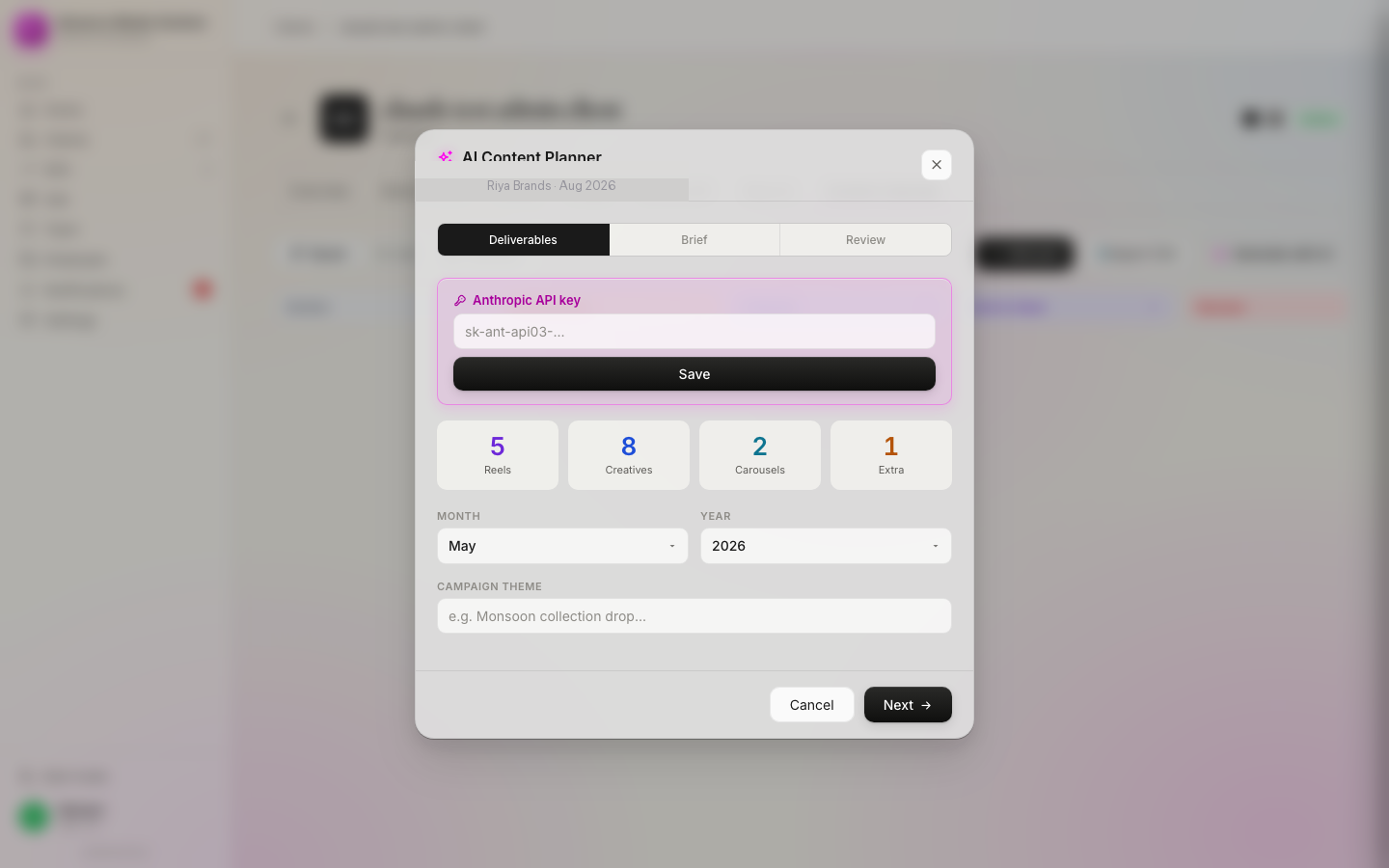
Channel updates should go through the same planning and approval as feed posts. The cheapest option is to add a "WhatsApp Channel" line to posts already in the calendar: repost the reel, rewrite the caption for WhatsApp, add a chat link. Then add one or two Channel-only items a week, such as a poll, a voice note from the founder or an early-access offer.
3. Write for WhatsApp, not for the feed
Channel updates sit next to Status, so they're read quickly. Open with the news ("Sunday special is back"), keep it to three short lines, add one link and one emoji at most. Hinglish usually beats polished English here, because it matches how people already write on WhatsApp. Post between 7 and 10 pm IST, when people are going through their Updates tab, and avoid the 9 am rush when everyone is clearing family group messages.
4. Grow it on purpose
Put a QR code at the billing counter and on the packaging insert. Add the link to the Instagram bio and story highlights. Mention it once in every invoice email, and have the founder share it on their own Status. In our experience, a Channel that isn't promoted where customers already are tends to stall at a few dozen followers.
5. Report it honestly
In the monthly report, show net followers, reach per update, poll participation and UTM clicks. Don't add up "impressions" across Channels and Instagram as if they were the same thing. Clients notice, and it undermines every other number in the report.
What about paid subscriptions, promoted Channels and Status ads?
In June 2025, Meta announced three paid features for the Updates tab: channel subscriptions (followers pay a monthly fee for exclusive updates), promoted Channels (admins pay for more visibility in the directory) and ads in Status. Meta says more than 1.5 billion people visit the Updates tab every day, and that these features stay out of personal chats.
WhatsApp's own page still notes that subscriptions "may not be available to all users", and the rollout has been gradual. Our advice: don't base a client's plan on a feature you can't switch on in their app today. If promoted Channels or Status ads show up in a client's Ads Manager, test them with a small budget, the same way you'd test a new Meta placement.
Frequently asked questions
Is a WhatsApp Channel free for brands?
Yes. Creating a Channel and posting updates costs nothing, and there's no follower limit. Meta has announced paid options such as promoted Channels and channel subscriptions, but they're optional and not available everywhere yet. The WhatsApp Business API, by contrast, charges per template message.
Can followers reply to a brand's WhatsApp Channel?
No. Followers can react with emojis and vote in polls, but they can't send messages to the Channel. To turn interest into sales, add a click-to-chat link to the brand's WhatsApp Business number, or a website link with UTM tags, in every update that sells something.
Should a brand use a WhatsApp Channel or the Business API?
Use a Channel for free, one-to-many announcements such as drops, offers and content. Use the Business API when the brand needs personalised messages, a shared inbox, order updates or retargeting opted-in customers. Many brands run both: the Channel builds an audience, and the API handles the conversations.
Who should own a client's WhatsApp Channel, the agency or the brand?
The brand. Create the Channel from the client's WhatsApp Business number and add the agency's account manager as an admin. If it lives on an agency staffer's personal number, the audience is at risk the day that person leaves or the client moves agencies.
Sources
- WhatsApp: Channels: follower privacy, the directory, Updates-tab placement, muted notifications, link and QR sharing, and subscriptions "may not be available to all users".
- Meta Newsroom (June 2025): channel subscriptions, promoted Channels and ads in Status; 1.5 billion daily Updates-tab visitors.
- afaqs! (December 2024): 536 million Indian monthly active users, visibility challenges and brand use cases. Social Samosa: the India launch and early adopters.
- Infobip: 30-day update retention, reactions and polls, forwarding and admin privacy. PhoneArena: Channel insights and the 100-follower threshold.
One calendar for every channel your clients post to.
Client calendars, one-tap approvals, auto-publishing to Instagram, monthly reports and GST invoices with payment links, all in one login. Priced in rupees, from ₹999/month, with a 7-day money-back guarantee. See the agency management software and the Instagram scheduler.