The worst failed post is the one nobody notices. A festive greeting scheduled for 9 AM doesn't go out, the team assumes it did, and the client is the one who spots the gap at noon. We've had that call. After it, I stopped treating "failed to publish" as bad luck and started treating it as a short list of causes, each with a clear sign and a clear fix.
This guide is that list. It covers both cases: a post that fails inside the Instagram app, and the more common agency case, a post scheduled through a tool that publishes through Meta's API.
Did it fail in the Instagram app or in a scheduling tool?
Start here, because the causes are different.
- In the app (stuck on "Posting…" or "Couldn't post, tap to retry"): almost always the phone's connection, an outdated app, low storage, or a short Instagram outage. Switch from mobile data to Wi-Fi or back, update the app, free some space, and retry. If it fails across accounts and phones, wait it out and check whether others are reporting an outage.
- In a scheduler (the tool shows Failed, or the post simply never appears): the cause is one of the API reasons below. The tool talks to Meta's servers, not your phone, so restarting the app won't help.
Why do scheduled Instagram posts fail? The six real causes
1. The connection expired
This is the cause behind most "everything failed today" mornings. A scheduler publishes using an access token Meta issues when someone connects the account. Meta's documentation says a long-lived user token generally lasts about 60 days, and tokens can be invalidated early when the person logs out of the app or changes their password, or when access is removed. Meta also says it won't tell the app that a token has stopped working.
The sign: every post for one brand fails, not just one. The fix: reconnect the account in your tool, through Meta's own login, by someone who has admin access to the brand's Facebook Page and Instagram account. Then retry the failed posts. In agencies this usually follows a client's password change "for security" that nobody told the team about, so ask clients to tell you before they change it.
2. The image or video is outside Instagram's limits
The Instagram app crops and converts for you. The API doesn't. It rejects the file instead. Meta's error code reference spells out the limits that trip agencies most:
| Problem | Meta's limit | Fix |
|---|---|---|
| Image aspect ratio | Between 4:5 (portrait) and 1.91:1 (landscape) | Export feed posts at 1080×1350 (4:5). A 9:16 story-size graphic will be rejected as a feed post |
| Image file size | Under 8 MB | Export at 1080 px wide; there's no gain from a 6000 px file |
| Image format | JPEG is the only format the publishing API supports | Export as JPG, not PNG, WebP or HEIC, unless your tool converts for you |
| Video format | MOV or MP4 | Export reels as MP4 (H.264) at 1080×1920 |
| Media can't be fetched | Meta downloads the file from a public link at publish time | Usually a tool or sharing issue: re-link the file, check it isn't private or deleted, then retry |
The sign: one post fails while the rest of that brand's posts go out. Check the file before anything else.
3. The caption breaks a limit
Meta gives the caption limits as 2,200 characters, 30 hashtags and 20 @ tags. The hashtag limit is the one we hit: a caption with 12 tags looks fine, until the tool adds the brand's 20 "standard" hashtags from a separate field. Count the two together. If a client insists on 30 hashtags, put fewer in the caption.
4. The account is restricted, or the post looks like spam
Meta returns a specific error when the Instagram account is inactive, checkpointed or restricted. Someone has to open the Instagram app on that account and clear whatever it's asking: a login check, a confirmation code, accepting new terms. A separate error flags a publish as suspected spam, which is usually the same caption posted repeatedly or a burst of near-identical posts. Change the caption and space the posts out.
5. The account hit the daily publishing cap
Meta limits how many posts an account can publish through the API in a moving 24-hour window. The current content publishing docs give it as 100 posts, with a carousel counting as one. Few brands come near it, but an account shared by several tools, or a bulk backfill of old content, can. The fix is waiting until the next day.
6. The account isn't set up for API publishing
Publishing through the API needs a professional (Business or Creator) Instagram account, and the most common setup also needs it linked to a Facebook Page. If you've just started with a tool and nothing has ever posted, this is the likely cause. Our guide to Instagram API access for auto posting walks through the setup step by step.
What isn't a publishing failure
Some things look like failures but are limits of the API itself, and no amount of retrying fixes them. Trending audio picked in the Instagram app can't be attached through the API, so a reel that depends on it has to be posted by hand (and check the music rights for business accounts while you're at it). Stories, the first comment and a custom reel cover are not published by many schedulers, ours included. And if your tool sends a "time to post" notification instead of auto-publishing, the post only goes live when someone finishes it on the phone.
How do you stop posts failing in the first place?
Our checklist for any brand where a missed post would hurt:
- Export to spec. Feed posts as JPG at 4:5, reels as MP4 at 9:16. Put this in your designer's and editor's brief, not just yours.
- Keep hashtags in one place. Caption or hashtag field, not both, and under 30 in total.
- Agree a password rule with clients. "Tell us before you change it, and we'll reconnect the same day."
- Check failures every morning. One person, one list, before 11 AM. A post that failed at 9 AM can still go out at 11; one found at 6 PM is a lost day.
- Retry, don't re-upload. A fresh upload can put a version live that the client never approved. Fix the cause, then retry the same post.
How My Digital Sevak handles failed posts
We built our Instagram scheduler around that morning check, because we were the agency missing posts. A background job publishes due posts every minute and retries a failure on its own, with a growing gap between attempts, before it marks the post Failed and notifies the team. Status is shown for each destination, so you can see Instagram failed while Facebook posted, and the Failed post keeps a Retry button.
When Meta reports that a brand's login has expired, the account is marked for reconnecting, so the cause is named instead of a vague "error". The file comes from the brand's linked Google Drive folder, so a retry publishes the approved creative, not whatever is on someone's laptop. More on that flow in our post on the agency auto publisher. And since clients connect through Meta's own login, there are no passwords to share in the first place.
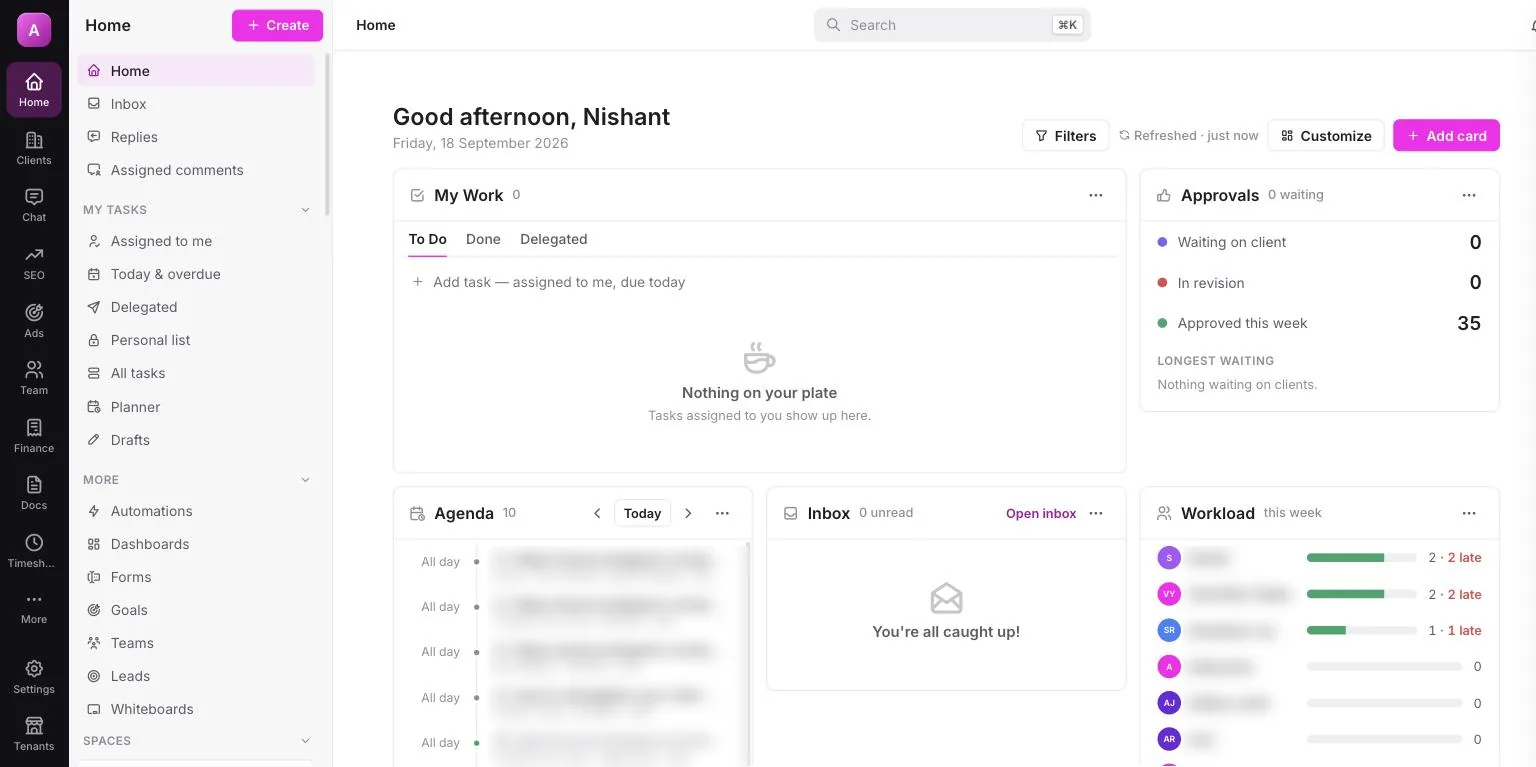
Whether your team is three people in Pune or thirty across cities, the habit matters more than the tool: someone owns the failure list every morning.
Frequently asked questions
Why does my scheduled Instagram post keep failing?
If every post for one account fails, the connection has almost certainly expired: someone changed the password, logged out, or removed the tool's access. Reconnect the account. If only one post fails, the problem is that post: its aspect ratio, file format or size, caption length, or too many hashtags or tags.
What is the caption limit for Instagram posts published by a tool?
Meta's error reference gives the limits as 2,200 characters, 30 hashtags and 20 @ tags per caption. Go over any one of them and the publish call is rejected, even though the same caption might look fine in a spreadsheet. Count hashtags in the caption and the hashtag field together, because they are joined before posting.
Should I just upload a failed post again?
Fix the cause first, then retry the same post rather than uploading a new copy. A fresh upload can put a version live that the client never approved. A good scheduler keeps the approved file and caption and gives you a Retry button once the account or media problem is fixed.
Know which posts failed before your client does
Approval-gated auto-publishing to Instagram and Facebook with automatic retries, per-destination status and one-click Retry, in the same agency workspace as your calendar, reports and GST invoices. From ₹999/month. Try it free for 3 days, no card needed, with a 7-day money-back guarantee.