Most brands we work with already make Reels. Sooner or later the client says, "put these on YouTube too." The editing side of that, what changes when a Reel becomes a Short, is in our YouTube Shorts strategy guide. This post is about the boring part that decides whether it actually happens every week: getting the Short uploaded and scheduled without someone remembering to do it.
Here are the three routes, what each one is good for, and one technical catch that quietly breaks a lot of third-party Shorts schedulers.
How does scheduling a Short actually work?
YouTube doesn't have a separate "scheduled" state. According to its help page on scheduling, a scheduled video is a private video set to go public at a specific time. Whether you use Studio or a tool, the Short is uploaded early, sits as private, and flips to public at the chosen minute.
Two things follow from that. First, the file has to be fully uploaded and processed before the slot, so scheduling the night before is safer than ten minutes before. Second, if you change your mind, the help page says to keep the video private and edit the schedule. Switching it to Public publishes it immediately.
And a Short is only a Short if it fits the format. YouTube's three-minute Shorts page says videos uploaded since 15 October 2024 count as Shorts when they are square or vertical and up to three minutes long. Upload a 16:9 export by mistake and it goes out as a regular video, on time and in the wrong place.
Way 1: Schedule in YouTube Studio (free)
This is the right choice for one brand posting a few Shorts a week.
- Open YouTube Studio on a computer and click Create → Upload videos. Pick the vertical export.
- Fill the title, description and audience setting (made for kids or not). Write the title as the search query a viewer would type, not the Reel caption.
- On the Checks step, let the copyright check finish. A claim found now is far better than one found after the Short is public.
- On the Visibility step, choose Schedule, set the date, time and time zone, and save.
The time zone field is the one Indian teams get wrong. Studio may not default to IST, and a Short set for "7:00 PM" in Pacific time goes live at 8:30 AM the next morning here. Check it every time until you've confirmed the channel's default. YouTube's help page also warns that the date shown on the watch page can differ from Studio when you schedule from a time zone ahead of Pacific time. India is, so don't panic if a client screenshots a "wrong" date.
The limit of Studio is scale. Every Short is a separate upload, form and schedule, and it has to be done by someone logged in to that brand's channel. For an agency, that means channel access for whoever uploads, and a person whose Monday is spent uploading.
Way 2: Use a scheduling tool
Tools such as Buffer, Later, SocialPilot and SocialBee list YouTube Shorts among their supported formats, and the reason to use one is batching: upload a week or a month of Shorts in one sitting, alongside the same videos for Instagram and Facebook. The channel owner connects once through Google's own sign-in, so nobody shares the channel password.
What to check before you pay for one:
| Check | Why it matters |
|---|---|
| Does it set a separate YouTube title? | Instagram has no title field. A tool that copies the caption's first line into the title wastes YouTube's main search field. |
| Does the Short go live publicly? | See the catch below. Upload one test Short before you schedule a month. |
| Can you set made-for-kids and category? | The audience setting is required. A tool should ask, not guess. |
| Where does the file come from? | If someone re-uploads from their laptop, the version that goes live may not be the one the client approved. |
| Price in ₹, per brand or per seat? | Per-channel pricing gets expensive fast once you add YouTube to every client. |
Why do some tools' Shorts upload as private?
This is the catch. Every third-party tool uploads through the YouTube Data API using its own Google project, and Google's videos.insert documentation says that videos uploaded by unverified API projects created after 28 July 2020 are restricted to private viewing mode. Lifting that needs the developer to pass YouTube's API compliance audit, the same process that grants more daily upload quota.
So a new or small tool can do everything right, upload on time, and still leave the Short private, every time, with no error message. The established schedulers have been through the audit. Newer ones, including home-made Zapier or Make automations built on your own Google project, often haven't. If your scheduled Shorts keep landing as private, nothing on your side will fix it; only the tool's developer can.
Test before you commit: schedule one throwaway Short five minutes ahead, then check from a logged-out browser that it is public.
Way 3: An approval-gated workflow
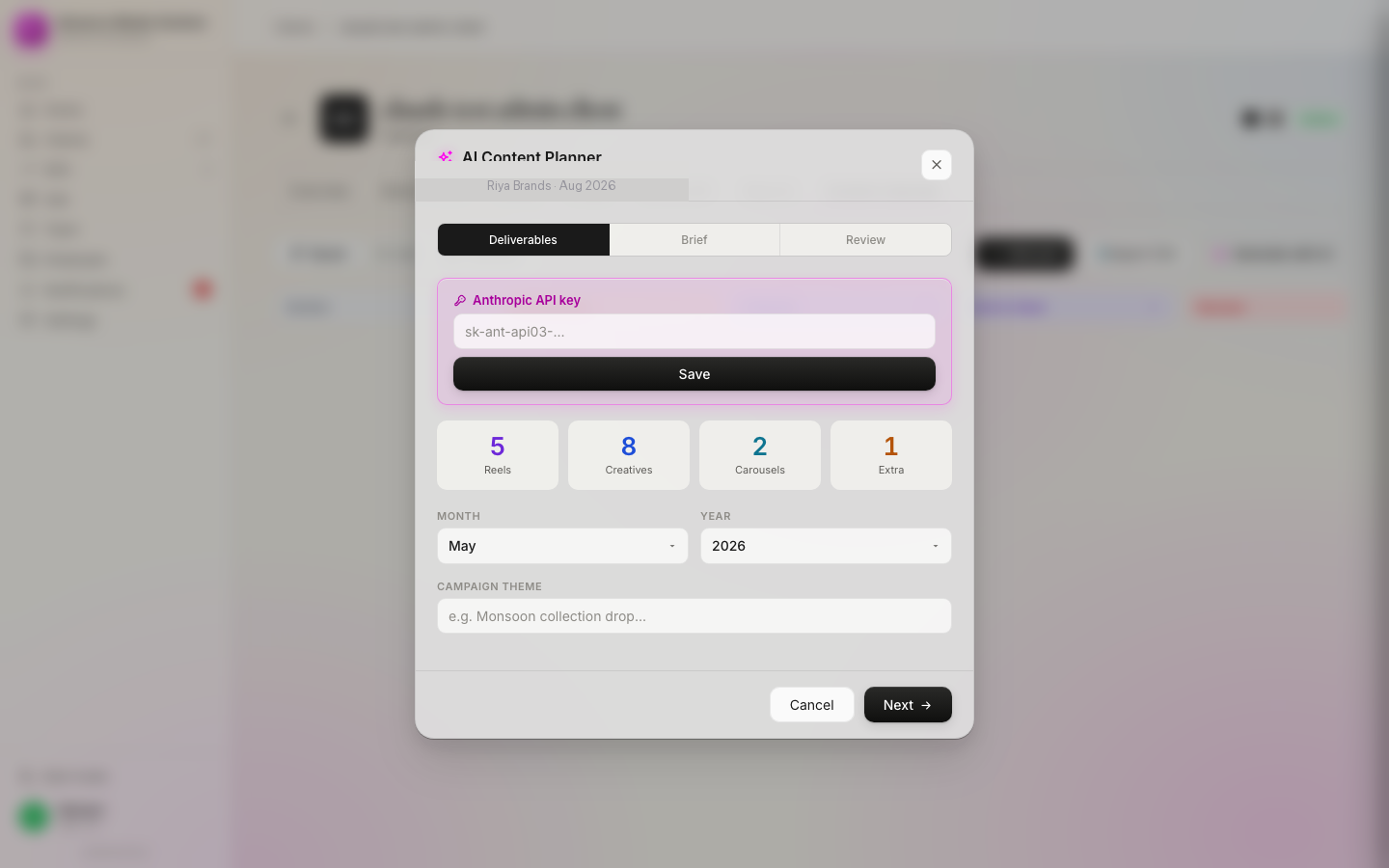
For an agency the real question isn't "how do I schedule a Short", it's "how do I make sure only approved Shorts get scheduled." On Instagram we learned this the hard way. The answer is the same for YouTube: the upload should be a consequence of the client's approval, not a separate step someone remembers. That's the model we describe in auto-publishing after client approval.
In practice:
- Plan the month in one calendar, with the reel marked as going to Instagram, Facebook and YouTube.
- The editor exports one clean master (vertical, no Instagram watermark, under three minutes) into the brand's Drive folder.
- The client approves the reel once. That single approval schedules it for every connected platform at the planned time.
- The system uploads the approved file from Drive, with the post title as the YouTube title and the caption and hashtags as the description.
- Someone checks the publish queue each morning for anything that failed, the same habit we recommend for failed Instagram posts.
What still has to be done by hand?
Be honest with clients about this. Even with automation:
- Audio. Trending Instagram audio doesn't exist in YouTube's library. A reel that relies on it needs a separate YouTube export with a library track or voiceover. Our post on music rights for brand reels explains why.
- The cover frame. Schedulers generally leave the Short's default thumbnail. If the client cares which frame shows, set it in YouTube after the upload.
- Pinned comments and replies. These happen in Studio after the Short is live.
- Long-form versions. A 16:9 cut is a separate edit and a separate upload.
Where My Digital Sevak stands on YouTube Shorts
Our auto-publisher already runs the approval-gated flow for Instagram and Facebook. YouTube Shorts is rolling out: a brand's channel connects through Google sign-in, and approved reels upload as Shorts from the brand's Drive folder with the post title and caption. Until our own API project passes Google's audit, those uploads land as private, which is exactly the catch above, so we're telling you rather than letting you discover it. Only reels go to YouTube; graphics and carousels are skipped automatically.
If you're adding YouTube to retainers for clients in Lucknow or anywhere else, start with Studio for one or two brands, get the title and audio habits right, then automate once the volume justifies it.
Frequently asked questions
Can you schedule YouTube Shorts for free?
Yes. YouTube Studio on desktop lets you upload a Short, set its visibility to Schedule, and pick a date, time and time zone. YouTube then makes it public on its own. The limit is that you schedule one video at a time, by hand, for one channel, so it suits a single brand better than an agency.
Why did my scheduled Short upload as private?
If a third-party tool uploaded it, the tool's Google API project has probably not passed YouTube's compliance audit. Google's documentation says videos uploaded through the API by unverified projects created after 28 July 2020 are restricted to private. Only the tool's developer can fix this, by getting the audit approved.
Which time zone should I use when scheduling Shorts for Indian brands?
Schedule in IST and check the time zone field in the Schedule card before saving, because it may default to something else. YouTube's help page also notes that the date on the watch page can differ from Studio when you schedule in a time zone ahead of Pacific time, which IST is.
One approval, every platform
Plan the month, get the client's approval once, and let approved posts publish to Instagram and Facebook on time, with YouTube Shorts rolling out, in the same agency workspace as your calendar, reports and GST invoices. From ₹999/month. Try it free for 3 days, no card needed, with a 7-day money-back guarantee.